


A practical guide for navigating VPN censorship: learn which stealth features matter, how to set up alternative tunnels, and stay safe while respecting local laws.
Introduction
Traveling or living in a country that deliberately blocks or throttles VPN traffic can feel like hitting a digital wall. The goal of this guide is to give you a clear, actionable roadmap: what to look for in a VPN service, which technical tricks help you stay reachable, and how to keep your privacy intact while respecting local regulations.
Why Some Countries Block VPNs
Governments may restrict VPNs for several reasons:
- Control of information: By limiting encrypted channels, authorities can more easily monitor social media, news sites, and messaging apps.
- National security claims: Some regimes argue that VPNs enable illicit activities or foreign influence.
- Economic protectionism: Blocking foreign services can push users toward state‑run alternatives.
Understanding the motive helps you gauge the level of scrutiny you might face and decide how aggressively you need to conceal VPN traffic.
Key VPN Features for Censored Environments
When evaluating a VPN for a blocked country, prioritize the following capabilities:
- Obfuscation (stealth) servers: These disguise VPN traffic as regular HTTPS or other common protocols.
- Multiple protocol options: OpenVPN (TCP/UDP), WireGuard, IKEv2, and especially newer stealth protocols.
- Split tunneling: Allows you to route only specific apps through the VPN, reducing the overall traffic signature.
- Kill switch: Instantly blocks all traffic if the VPN connection drops, preventing accidental exposure.
- No‑logs policy: Guarantees that even if forced to hand over data, the provider has nothing to share.
Providers that publish independent audits of their privacy practices are generally more trustworthy.
Obfuscation and Stealth Protocols
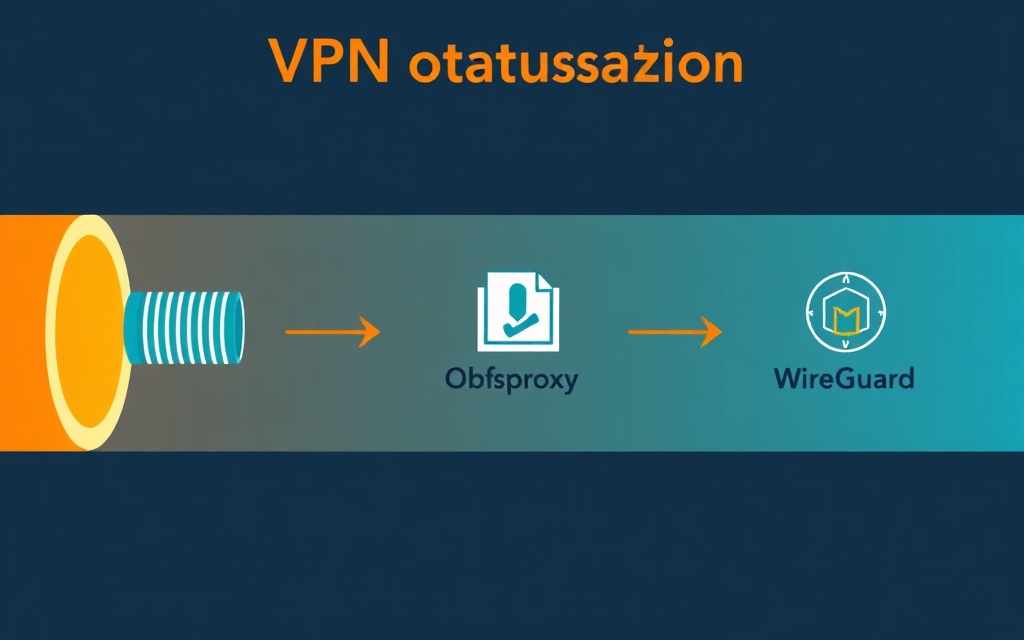
Obfuscation is the most direct way to slip past deep‑packet inspection (DPI) systems that flag standard VPN signatures. Two common approaches are:
| Technique | How It Works | Typical Use Cases |
|---|---|---|
| SSL/TLS tunneling (e.g., stunnel) | Wraps VPN packets inside a layer that looks like ordinary HTTPS traffic. | Countries that only block known VPN ports. |
| Obfsproxy / Shadowsocks‑compatible stealth | Transforms packet patterns so they mimic common web traffic or random noise. | Regimes employing sophisticated DPI that recognize OpenVPN handshakes. |
| WireGuard with obfuscation layer | Runs WireGuard over a UDP port that is further disguised as standard video‑streaming traffic. | Areas where UDP is less scrutinized than TCP. |
When you select a VPN, look for a dedicated “stealth” or “obfuscated” server list. Those servers are usually hosted in countries with tolerant internet policies and are optimized for low latency even when wrapped in additional layers.
Alternative Tunneling Methods
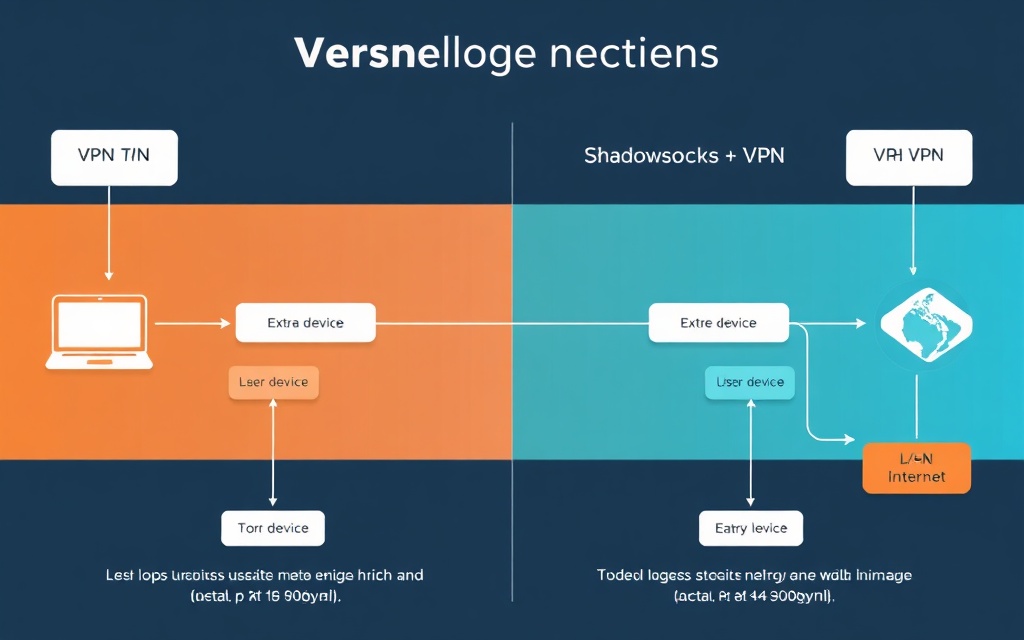
If a VPN provider’s obfuscation alone isn’t enough, you can combine it with other tunneling tools. Two popular combos are:
- VPN over Tor: Connect to the VPN first, then route the VPN’s exit node through the Tor network. This adds a second hop that makes traffic analysis substantially harder, though it can increase latency.
- Shadowsocks + VPN: Use Shadowsocks as a lightweight proxy to disguise traffic, then establish the VPN connection inside that tunnel. This approach is favored by tech‑savvy users in highly restrictive zones because Shadowsocks traffic blends with typical CDN or CDN‑like patterns.
Both methods require a bit more technical setup, but they provide an extra safety net when standard stealth servers are blocked or throttled.
Step‑by‑Step Setup and Testing
Follow these practical steps to get a functional, concealed connection:
- Choose a provider with proven stealth infrastructure. Look for a public list of obfuscated servers and a clear kill‑switch policy.
- Download the official client. Avoid third‑party apps that might lack built‑in obfuscation.
- Enable the kill switch before connecting. This ensures that any accidental disconnection does not expose your real IP.
- Select an obfuscated server in a nearby unrestricted region. Proximity reduces latency while still bypassing local blocks.
- Test the connection. Use a website that displays your IP and location (e.g., ipleak.net) and verify that DNS, WebRTC, and IPv6 leaks are all masked.
- Optional: Add a secondary layer. If you’re comfortable with command‑line tools, configure shadowsocks-libev locally, then point the VPN client to the local proxy.
- Save a backup configuration. Export the VPN profile (OpenVPN .ovpn or WireGuard .conf) so you can quickly import it on another device if the primary client is blocked.
After you confirm the tunnel works, test a few local services (news sites, messaging apps) to ensure they load normally. If you encounter throttling, switch to a different stealth server or try the alternative tunneling methods described above.
Limitations and Legal Considerations
No technology can guarantee 100 % access in a heavily censored environment. Keep these limits in mind:
- Detection risk remains: Even stealth protocols can be fingerprinted by advanced state actors.
- Performance trade‑offs: Obfuscation adds overhead; expect slower speeds, especially with double‑hop setups.
- Legal exposure: Some jurisdictions criminalize the use of unapproved encryption tools. Ignorance of local law is not a defense.
- Device seizure: Authorities may compel you to hand over devices. A strong kill switch reduces data leakage, but physical access can still compromise stored credentials.
Before you travel, research the specific regulations of your destination. If the legal risk outweighs the benefit, consider using a trusted friend’s network or a temporary satellite connection for critical tasks.
Maintaining Privacy After Connection
Successful tunneling is only the first step. Ongoing habits keep you safe:
- Use two‑factor authentication (2FA) on all accounts, preferably with an authenticator app rather than SMS.
- Prefer end‑to‑end encrypted services. Messaging apps like Signal or Wire ensure that even if the VPN is compromised, your content stays private.
- Regularly clear cookies and local storage. Some sites use tracking scripts that can reveal your true location despite the VPN.
- Update your VPN client. Security patches often include new obfuscation methods that stay ahead of DPI updates.
For broader context on staying safe while traveling, see our travel VPN tips guide. If you need a quick refresher on protecting public‑Wi‑Fi connections, read our public Wi‑Fi security guide.
Frequently Asked Questions
Q: Will a free VPN work in a blocked country?
A: Free services rarely offer reliable obfuscation and often lack a kill switch, making them unsuitable for high‑risk environments.
Q: Can I use a mobile hotspot from a neighboring country?
A: Yes, a cross‑border hotspot can bypass local DPI, but it may be expensive and still subject to detection if the hotspot traffic is unencrypted.
Q: Do I need a separate VPN for each device?
A: One subscription that allows multiple simultaneous connections is ideal. Install the same client on each device and enable the kill switch on all of them.
Conclusion
Operating from a country that blocks VPNs demands a blend of the right technology and disciplined habits. By selecting a provider with robust stealth servers, optionally layering Shadowsocks or Tor, and rigorously testing each connection, you can reclaim a functional, private internet experience. Remember that technical workarounds are only part of the equation—staying informed about local laws and maintaining good digital hygiene are equally crucial for staying safe.
Tags

About VPNTest
Content Specialist with expertise in cybersecurity and online privacy. Sarah has been testing and reviewing VPN services for over 5 years and regularly contributes to leading tech publications.
View all articles by VPNTest →Never Miss an Article
Subscribe to our newsletter to receive the latest VPN guides, security tips, and industry news directly in your inbox.