

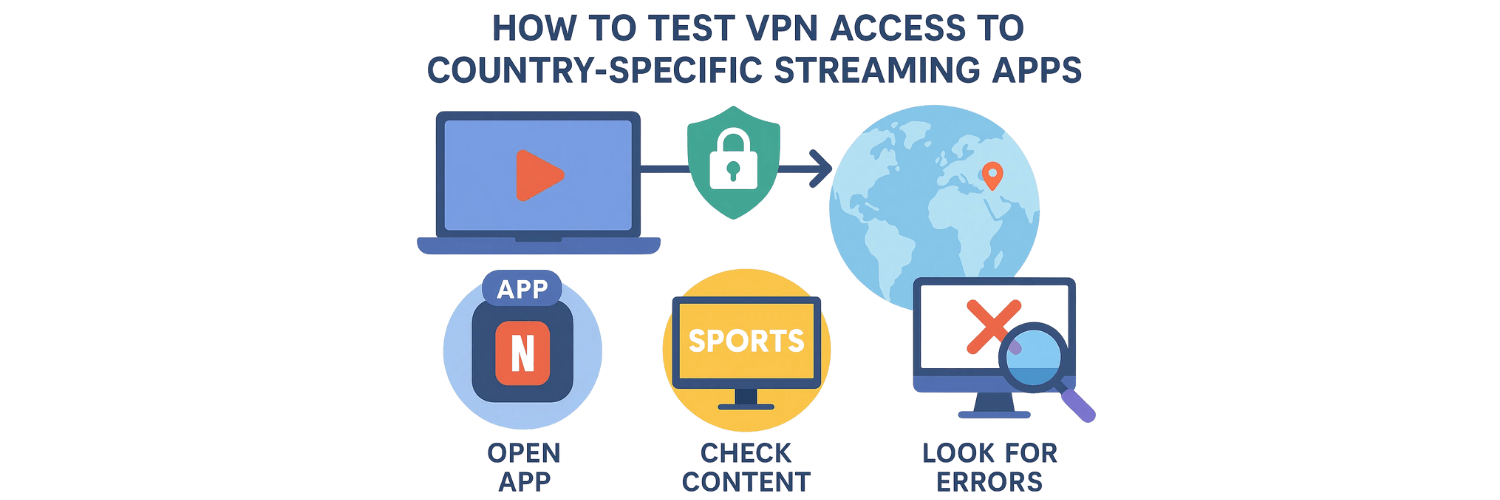
If you’re using a VPN to watch content on streaming services tied to specific countries — like Netflix libraries, regional sports, or local TV apps — you’ll want to be sure that your VPN truly works for streaming. In this guide you’ll learn how to test whether your VPN can access country-specific streaming apps reliably, and what checks to run to avoid surprises.
What do we mean by “VPN access to streaming apps”?
When you connect a VPN server located in a different country, the streaming service sees your traffic as coming from that country. That should grant you access to region-locked content (movies, shows, live events) — only if the VPN properly masks your real IP, DNS, and passes the streaming service’s checks.
Because streaming providers often deploy geo-blocking, DNS checks, and VPN/firewall detection, it’s not enough to simply connect: you must test the connection to confirm that everything works as expected.
Which parts of the connection must you test before trusting a VPN for streaming?
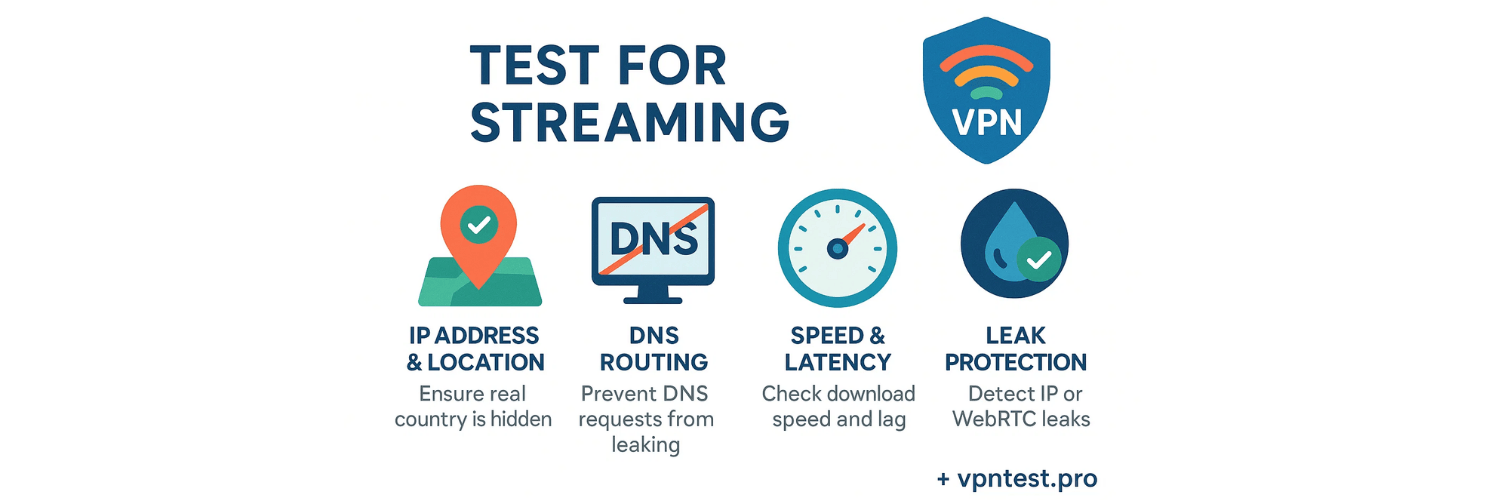
Before expecting region-locked content to work, you should verify:
IP address and location — to ensure your real country is hidden and the VPN server is detected as located in the target country.
DNS routing — so that DNS requests don’t leak and reveal your actual location or ISP.
Speed & latency — streaming (especially HD or 4K) requires sufficient download speed and low enough latency.
Leak protection — avoid IP, DNS or WebRTC leaks that can break geo-location masking and expose you. vpntest.pro+1
A full check of all these aspects provides a more reliable indicator whether your VPN will work with streaming services.
How do you test IP, DNS, and leak protection easily?
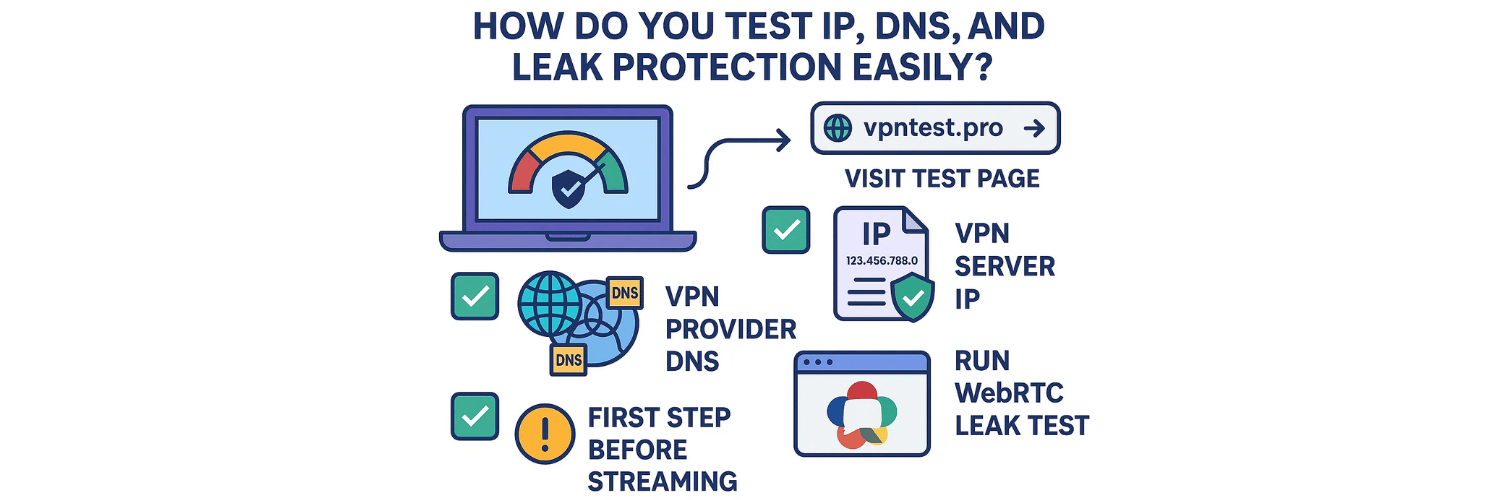
Use a tool like VPNTest.pro to run a comprehensive VPN check:
Visit its test page while the VPN is connected. vpntest.pro
Confirm that your public IP address corresponds to a VPN server (not your real ISP)
Check that DNS servers shown belong to the VPN/provider — not your ISP
Run WebRTC leak test to ensure no browser-level IP leak
Only if these pass, you can be confident your VPN properly masks location and identity
This is a quick and free first step before launching a streaming app session.
How do you test streaming performance (speed, buffering, geo-unlock) under VPN?
Even if the VPN passes leaks and routing tests, poor speed or high latency can still ruin streaming. Here’s how to test performance properly:
Use the same VPN server and connect to a nearby or target-country server.
Run a VPN speed test before launching the streaming app — download, upload and ping — to ensure speed is adequate for streaming. Acciyo+1
Open the streaming app or site (e.g. Netflix, Disney+, regional service) and try playing content — ideally HD or 1080p.
Observe playback: buffering, video quality, delays, and whether the content loads without “region blocked” errors.
If streaming fails or buffers heavily, try switching to another VPN server (same country or different).
A speed drop with VPN is common — that’s why testing speed + latency matters for streaming. TechRadar+1
If streaming fails — which part is likely the culprit?
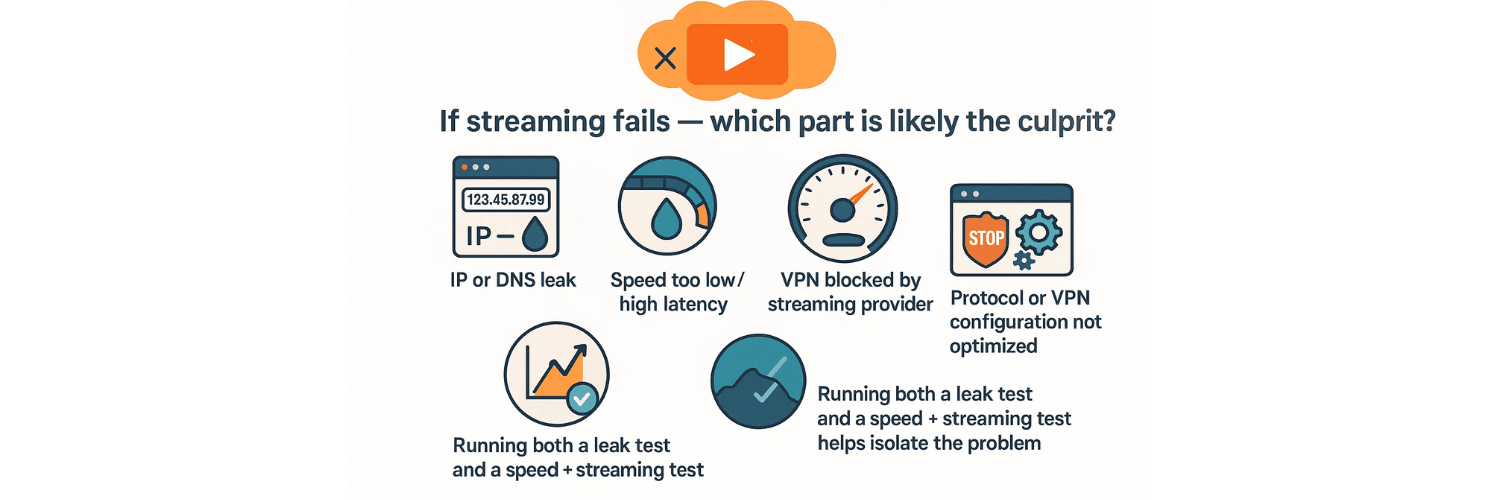
Here are common issues when VPN access to streaming apps fails, and how to diagnose them:
IP or DNS leak — your real IP or ISP DNS is exposed → the service detects real location. Use leak test.
Speed too low / high latency — VPN connection too slow to stream, or server overloaded → try another server or protocol.
VPN blocked by the streaming provider — some services actively block known VPN IPs → try a less popular server.
Protocol or VPN configuration not optimized — choose fast protocols, or enable features like split-tunneling only where needed.
Running both a leak test and a speed + streaming test helps isolate the problem.
How often should you re-test VPN access for streaming?
Because streaming services continuously update their detection methods and VPN providers rotate servers, you should:
Run leak + VPN test before first streaming session
Re-test whenever you change VPN server or country
If streaming issues appear (buffering / geo-block) — run full check again
Periodically re-validate (e.g. monthly) if you rely on VPN for streaming regularly
This ensures you maintain both privacy and access over time.
Is a “fast VPN” always better for streaming?
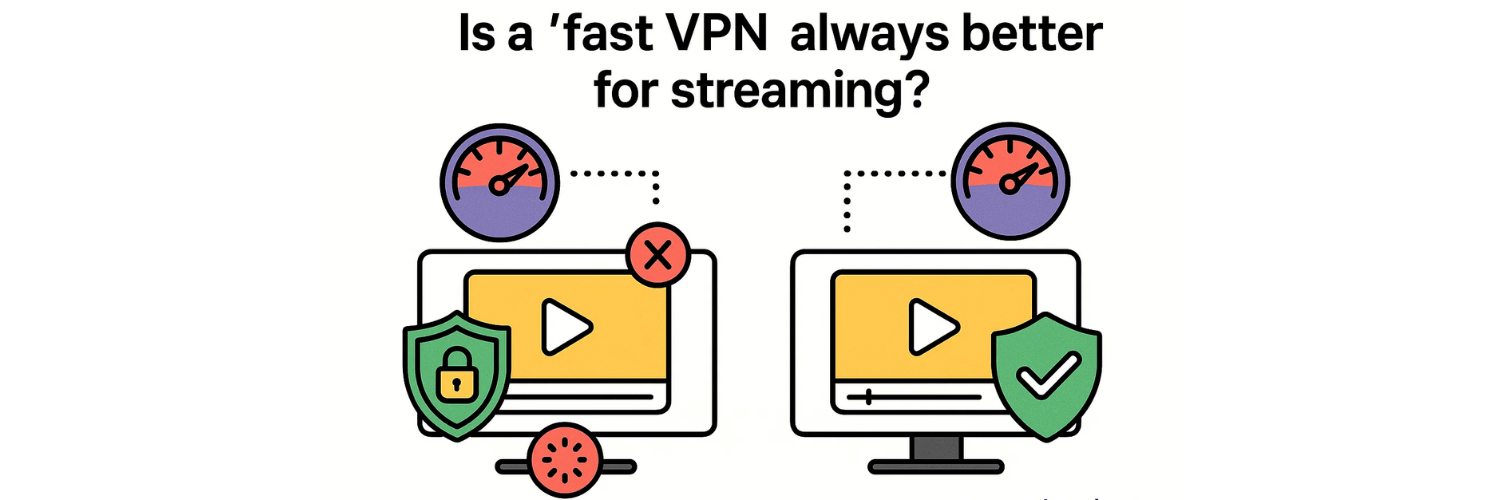
Not always — but usually yes. A VPN with good speeds and low latency improves streaming performance significantly, and reduces buffering. However, a VPN can be fast but poorly configured (with DNS leaks or geolocation leaks), which will break streaming access.
Therefore a reliable VPN for streaming should combine strong leak protection + stable speed. Comparitech+1
✅ Final Thoughts
Testing VPN access to country-specific streaming apps is a multi-step process — but it’s essential if you want to enjoy geo-locked content without risking privacy or wasting time.
Always begin with a leak test using a tool like VPNTest.pro — check IP, DNS and WebRTC leaks.
Next, run a VPN speed and latency test to ensure streaming capability.
Finally, launch the content on your streaming app and observe — streaming success, buffering, or geo-block.
If problems occur — switch server, protocol, or re-run tests.
A VPN that passes leak and performance tests is your best bet for reliable access to streaming services from anywhere.
✅ 10 FAQs (Frequently Asked Questions)
1. How do I know if my VPN can unblock a country-specific streaming app?
You can check this by connecting to a VPN server in the target country and testing your IP, DNS, and WebRTC using a tool like VPNTest.pro. Then open the streaming app to see if region-locked content loads without errors.
2. Why does a streaming service still show my real region even when VPN is on?
This usually happens because of a DNS leak, WebRTC leak, or IP leak. If your DNS requests go through your ISP instead of the VPN, the streaming app detects your real location.
3. How can I test if my VPN is leaking DNS or WebRTC information?
Visit a full VPN testing tool such as vpntest.pro/test, which automatically checks IP, DNS, and WebRTC leaks and compares them with your VPN server location.
4. Why do some VPN servers unlock Netflix but others don’t?
Streaming services constantly block suspicious IP ranges. Some servers get flagged, while others remain undetected. Switching to another server in the same country often fixes the issue.
5. What speed do I need for smooth HD or 4K streaming over VPN?
A stable 10 Mbps is typically enough for HD, while 25 Mbps or more is needed for 4K. You can measure this using a VPN speed test tool before streaming.
6. Why does my streaming buffer more when I use a VPN?
VPNs encrypt your data, which can lower your speed. Slow or crowded servers also result in poor streaming performance. Try switching to a nearby or optimized stream server.
7. Can a VPN get blocked by apps like Netflix, Disney+, or BBC iPlayer?
Yes. These platforms use advanced VPN-detection systems. Even good VPNs sometimes require trying multiple servers until you find one that works.
8. How can I verify that the streaming app is seeing the VPN’s country?
Check your IP and DNS location using a tool like vpntest.pro. If it shows the target country, your VPN is routing correctly.
9. Why does streaming stop working after it worked previously?
Possible reasons include:
The VPN server’s IP got blacklisted
The app updated its VPN detection
The VPN changed routing settings
Switching protocols or servers usually solves this.
10. How often should I test my VPN for streaming access?
Test whenever:
You change VPN servers
You switch countries
Streaming suddenly stops working
Monthly retesting is recommended for regular streamers.
Tags

About VPNTest
Content Specialist with expertise in cybersecurity and online privacy. Sarah has been testing and reviewing VPN services for over 5 years and regularly contributes to leading tech publications.
View all articles by VPNTest →




Never Miss an Article
Subscribe to our newsletter to receive the latest VPN guides, security tips, and industry news directly in your inbox.