

Changing your IP address to Canada is one of the most effective ways to access Canada-only streaming platforms, secure remote work connections, or increase privacy while browsing online. Whether you need Canadian digital banking access, want to unlock Canadian Netflix, or require a trusted connection for business use, switching to a Canadian IP is simple when you know the right tools and techniques.
This in-depth guide explains all technical methods and includes optimization techniques based on expert resources such as the VPN Speed Optimization Guide, the VPNs for Remote Work Security Guide, and the VPNs for Streaming Guide from VPNTest.pro.

What Does It Mean to Change Your IP Address to a Canadian One?
Changing your IP to Canada means routing your online traffic through a server physically located in Canada. Websites and apps then identify your browsing location as Canadian, giving you access to:
Canada-only streaming (CBC, Crave, CTV, Netflix Canada)
Canadian banking platforms
Localized Canadian search results
Canada-based online shopping and services
The most reliable way to achieve this is through a VPN.
What Is the Most Secure Way to Get a Canadian IP Address?
A high-quality VPN is the safest and most technically reliable method. A VPN encrypts your internet traffic and reroutes it through a Canadian server, replacing your real IP with a Canadian one.
Using insights from the VPN Speed Optimization Guide, the ideal VPN for a Canadian IP should offer:
Multiple Canadian server locations
Low server load
Support for high-speed protocols like WireGuard or IKEv2
Strong encryption
VPNs outperform proxy servers, Smart DNS, and TOR in both security and performance.
How Do VPNs Technically Assign a Canadian IP Address?
According to the VPNs for Streaming Guide, a VPN performs these steps:
Encrypts your data inside a private VPN tunnel
Sends your encrypted traffic to a Canadian server
Replaces your IP with a Canada-based IP
Returns requested data through the secure tunnel
This protects your privacy and enables access to Canadian digital content and services.
How Do I Select the Best VPN for a Stable, Fast Canadian IP?
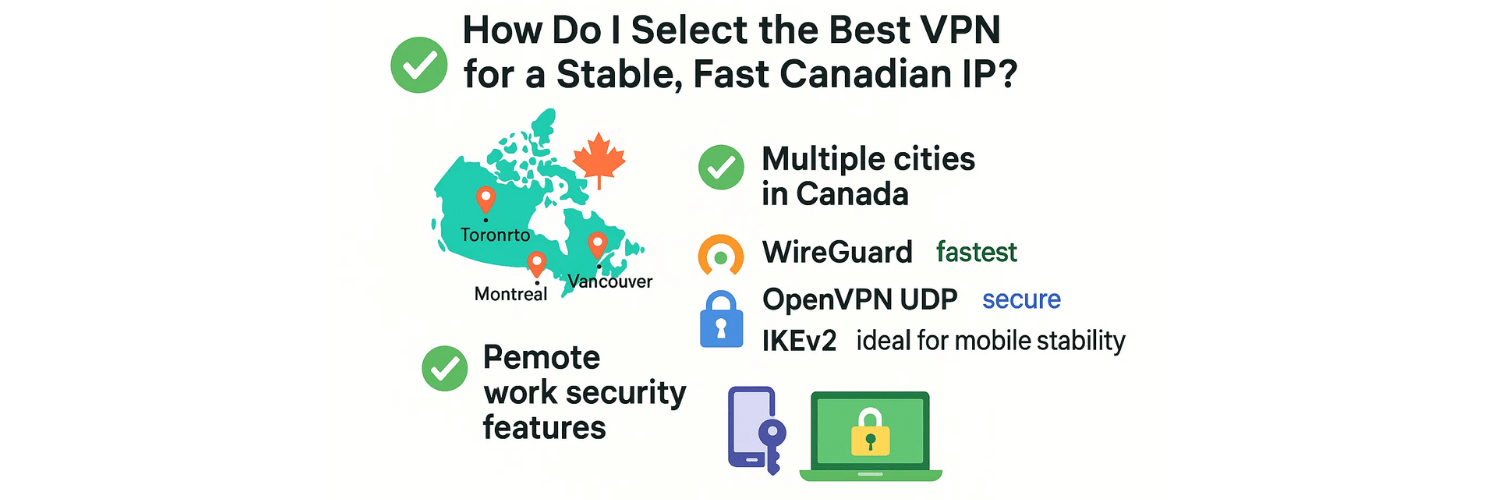
To ensure high performance, choose a VPN offering:
✔ Multiple cities in Canada
(Toronto, Montreal, Vancouver) — for lower ping and better speeds.
✔ Modern VPN protocols
WireGuard → fastest
OpenVPN UDP → secure & balanced
IKEv2 → ideal for mobile stability
✔ Remote work security features
As explained in the VPNs for Remote Work Security Guide, stability and encryption quality matter greatly when connecting to company systems or sensitive accounts.
How Can I Change My IP Address to Canada Using a VPN? (Step-by-Step)
1. Choose a VPN with strong Canadian coverage
Look for Toronto, Montreal, and Vancouver servers.
2. Select the fastest VPN protocol
Choose WireGuard for best performance.
3. Connect to a Canadian server
4. Verify your new IP address
You can use online inspection tools such as the VPN IP Test Tool to confirm your new Canadian IP.
5. Optimize your connection
Follow performance techniques from the VPN Speed Optimization Guide to reduce lag and improve streaming speeds.
Can I Change My IP to Canada Without Using a VPN?
Yes—but results vary:
1. Proxy servers
No encryption
Easy to detect and block
Not suitable for banking or streaming
2. Smart DNS
Only changes DNS, not IP
Good for streaming
No privacy protection
3. TOR network
Highly anonymous
Very slow speeds
Canadian exit nodes are unpredictable
A VPN remains the most reliable method.
How Can I Get a Canadian IP on Android or iOS?
Android
Install a VPN
Enable "Always-on VPN"
Connect to Canada
iOS
Install VPN
For stability, use IKEv2
Connect to a Canadian server
On mobile, using a VPN offers the highest protection, especially for remote work environments.
How Do I Access Canadian Streaming Services After Changing My IP?
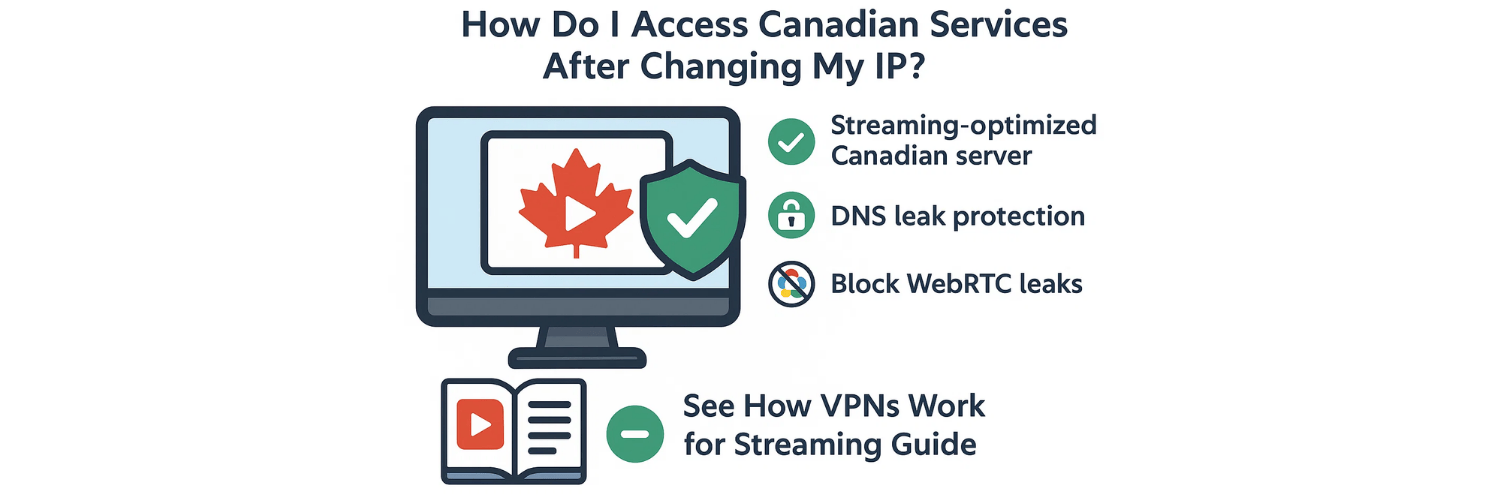
Streaming platforms use advanced detection systems. To ensure access:
✔ Use streaming-optimized Canadian servers
✔ Enable DNS leak protection
✔ Block WebRTC leaks
✔ Clear cookies before accessing content
A full explanation of streaming technology is covered in the How VPNs Work for Streaming Guide.
Why Doesn’t My Canadian IP Work on Some Sites?
Possible issues include:
DNS leaks revealing your real region
VPN server flagged by the website
Browser caching old data
WebRTC leak exposing your original IP
To fix, enable leak protection and switch servers.
How Can I Improve VPN Speed When Using a Canadian IP?
For best performance:
✔ Use WireGuard protocol
✔ Select the nearest Canadian server
✔ Remove Wi-Fi interference or switch to Ethernet
✔ Close background downloads
✔ Check for server overload inside the VPN app
Detailed optimization methods are available in the VPN Speed Optimization Guide.
How to Verify Your IP Has Changed to Canada Using the VPNTest Pro Tool
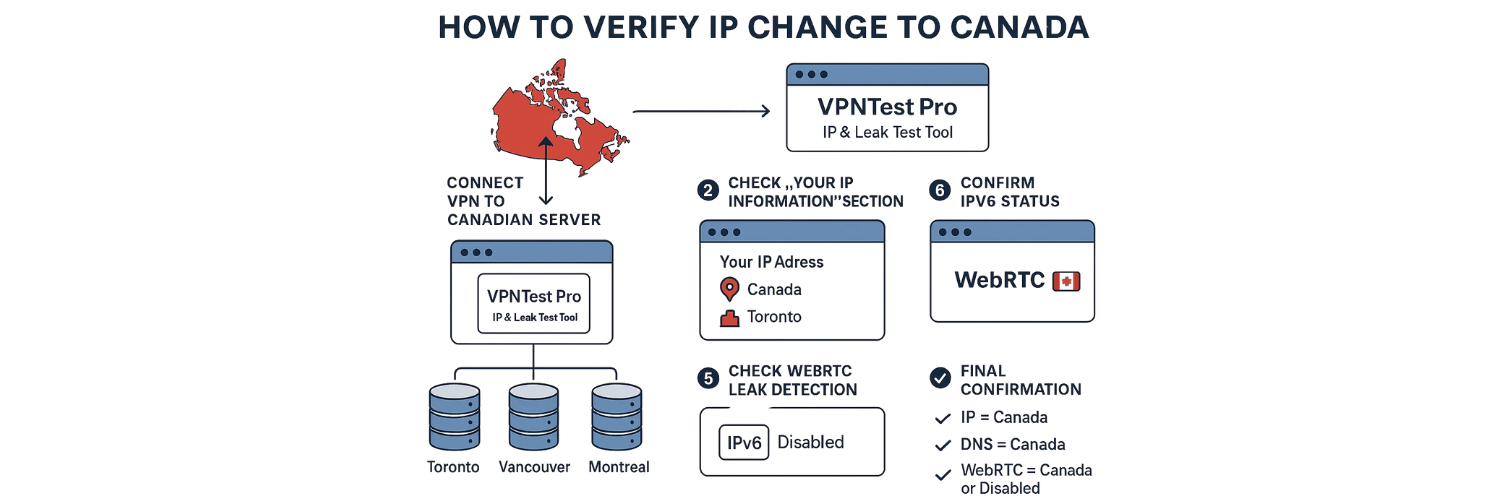
After connecting your VPN to a Canadian server, you must verify that your IP address, DNS requests, and WebRTC data all point to Canada. The most accurate way to confirm this is by using the VPNTest Pro – IP & Leak Test Tool.
Here’s how to check your IP change step-by-step:
1. Connect Your VPN to a Canadian Server
Before testing, open your VPN app and select a server located in:
Toronto
Vancouver
Montreal
Make sure the connection is fully established.
2. Open the VPNTest Pro Tool
Go to the testing page:
👉 VPNTest Pro (IP & Leak Test Tool)
This tool automatically analyzes your:
IP address
Country and city location
ISP information
DNS servers
WebRTC exposure
IPv6 leaks
3. Check the “Your IP Information” Section
At the top of the page, you will see:
Your IP Address
Country
Region/Province
If the VPN works correctly, it should display:
Country: Canada
The city of the selected VPN server
ISP belonging to your VPN provider (not your real ISP)
If you still see your home country, the VPN is not masking your IP.
4. Verify DNS Servers
Scroll to the DNS Leak Test section.
A proper Canadian connection must show:
DNS servers located in Canada
DNS provider belonging to the VPN (not Google, Cloudflare, or your ISP)
If DNS shows another country, your data is leaking—even if the IP shows Canada.
5. Check WebRTC Leak Detection
WebRTC can reveal your real IP even when the VPN is connected.
On the VPNTest Pro results:
Ensure the WebRTC IP is also Canadian
If it shows your real local IP, you are leaking WebRTC
Enable WebRTC protection in your VPN or browser.
6. Confirm IPv6 Status
If IPv6 is enabled on your device, some VPNs may leak it.
The test will show:
IPv6 Disabled or Protected → Safe
IPv6 Exposed → Your real identity may be exposed
Disable IPv6 on your device if needed.
7. Final Confirmation
Your IP has successfully changed to Canada only if all three checks confirm Canadian data:
✔ IP = Canada
✔ DNS = Canada
✔ WebRTC = Canada or Disabled
Is It Safe to Change My IP Address to Canada?
Absolutely — as long as you're using a quality VPN that offers:
AES-256 encryption
No-logs policy
Kill switch
DNS & WebRTC leak protection
Secure remote access features
This ensures your identity remains hidden from ISPs, tracking systems, and public networks.
Conclusion
Changing your IP address to Canada is simple, secure, and highly beneficial for streaming, banking, remote work, and privacy enhancement. A VPN remains the top method due to its reliability, encryption, and speed.
By following optimization methods from the VPN Speed Optimization Guide and understanding how VPNs operate for remote work and streaming, you can achieve a stable, fast Canadian IP suitable for all online needs.
✅ Top 10 FAQs
1. How can I quickly change my IP address to Canada?
The fastest and safest method is connecting to a Canadian VPN server using a high-speed protocol like WireGuard.
2. Does a Canadian IP work for Netflix and other streaming platforms?
Yes, if your VPN offers optimized Canadian streaming servers and bypasses geo-blocking systems.
3. Can I get a Canadian IP for free?
Free VPNs exist but usually offer slow speeds, limited servers, and weak privacy protection.
4. Is it safe to use Canadian IP addresses for banking?
Yes — using a VPN with leak protection ensures secure banking access.
5. Why is my Canadian IP slow on streaming apps?
It may be due to server load, distance, or protocol choice. Switching to WireGuard improves speed.
6. How do I check if my Canadian IP is working?
Use tools like the VPN IP Test Tool to verify your detected location.
7. Can I use a Canadian IP for online shopping?
Absolutely — it helps display Canada-specific pricing and availability.
8. Will websites detect I’m using a Canadian VPN?
Some may, but switching servers or using streaming-optimized servers usually resolves this.
9. Can I set my router to use a Canadian IP?
Yes, if your VPN supports router-level configuration.
10. Does changing my IP to Canada protect my privacy?
Yes — your real IP stays hidden, and your traffic becomes encrypted through the VPN tunnel.
Tags

About VPNTest
Content Specialist with expertise in cybersecurity and online privacy. Sarah has been testing and reviewing VPN services for over 5 years and regularly contributes to leading tech publications.
View all articles by VPNTest →




Never Miss an Article
Subscribe to our newsletter to receive the latest VPN guides, security tips, and industry news directly in your inbox.